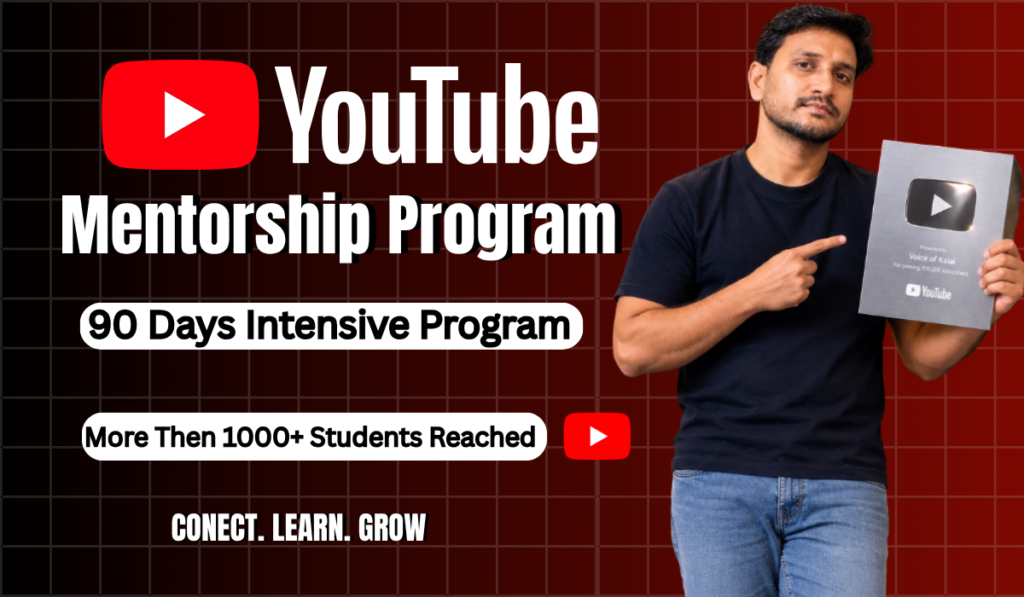
90 - Days Practical Learning,Live Sessions,Creator Support
Learn how to choose the right niche,creat content people want to watch design high-CTR tumbnails,understand YouTube SEO, grow your audince and build a strong creator brand. Whether you’re strating from zero or already have a channel, The Creator Hub gives you a practical step-by-step roadmap to creat with confidence and grow consistently.
What You'll Learn In Next 90 Days?
From Channel Creation to Monetization!
Niche Choosing - Personal Support for Choosing High Growth & High RPM Niches
From Channel Creation to Monetization Me & My Team will take care of Your Channel Growth. You can contact me at any time.
0% Personalized Support
My Students made 4.5 Cr+ Revenue within 365 Days & 100+ Students made 1,00,000+ Passive Income From their Channel.
0+ Lakhs AdSense Revenue
With Our Proven Strategies, We've Monetized 350+ Channels in a Year with 20+ Silver Play Buttons. 100+ Channels Monetized in 30 Days!!
0+ Own Channels Monetized
Frequently Asked Questions
1. Who is The Creator Hub for?
The Creator Hub is designed for aspiring YouTubers, new creators, and existing channel owners who want to improve their content, understand YouTube better, and build a strong creator brand.
2. Do I need an existing YouTube channel?
No. You can join even if you haven’t started a YouTube channel yet. We’ll help you understand the fundamentals and take the right steps from the beginning.
3. Is this suitable for beginners?
Absolutely. The program is designed to be beginner-friendly while also providing practical strategies that existing creators can apply to improve their channels.
4. How do I access the course?
After completing your enrollment, you’ll receive access to your student account. You can log in and access your available courses, lessons, and learning resources from the Student Dashboard.
5. Are live sessions included?
Yes, live sessions can be included depending on the course or program you enroll in. Details about upcoming sessions and access will be available inside your Student Dashboard.
6. How long will I have access to the course?
Your course access period depends on the specific program you enroll in. The applicable access duration will be clearly mentioned on the course page before enrollment.
7. How can I contact support?
You can contact our support team through the Contact page or the support details provided on the website. We’re here to help with course access, enrollment, and other related questions.
READY TO START CREATING
Your ideas deserve an audience. Let's turn your passion into content, build your brand, and grow together.